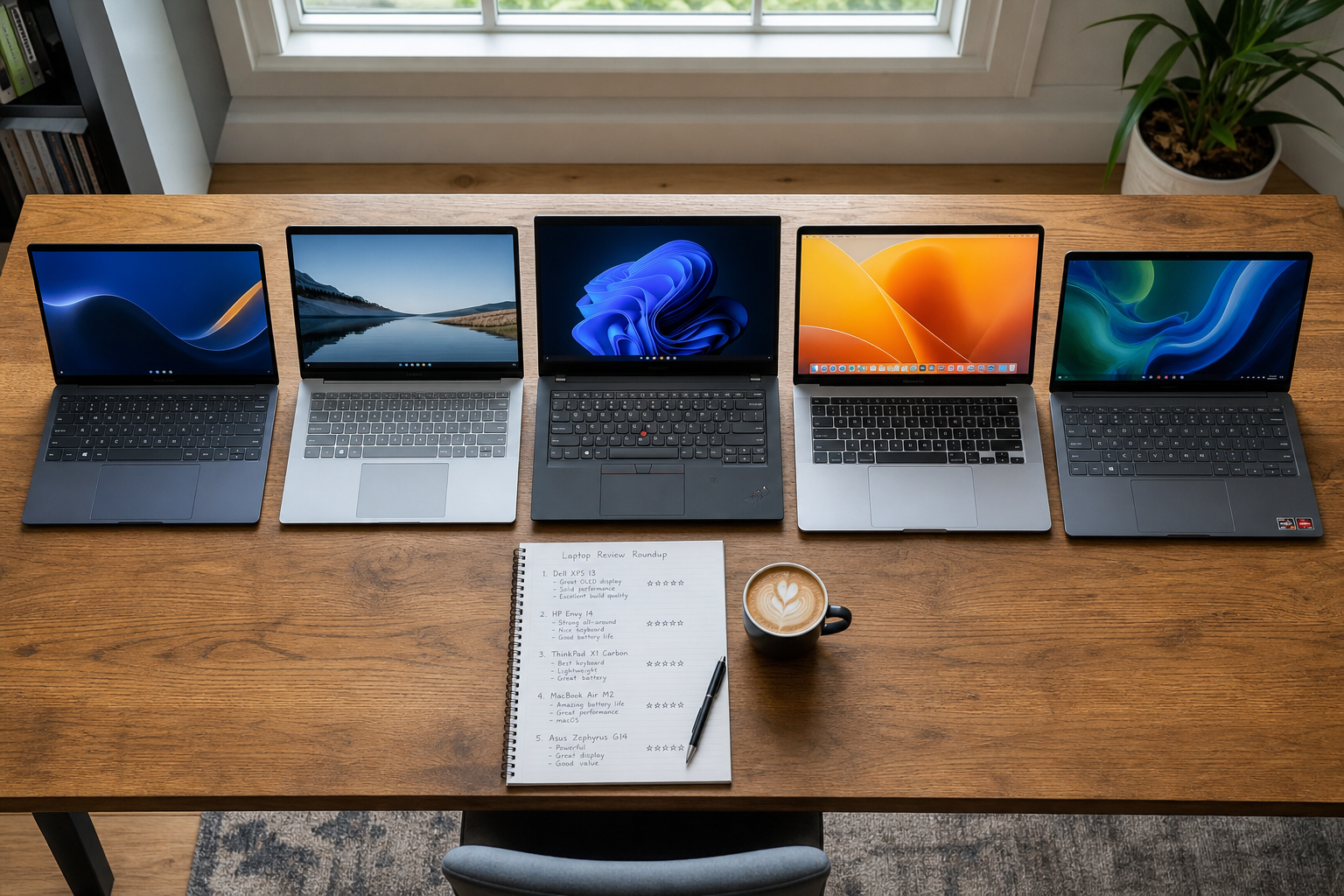
The price bracket I'm covering here is roughly £300–£600. Not the absolute bottom of the market – those machines genuinely aren't good enough for most people and aren't worth discussing – but below the premium mid-range where things like the MacBook Air M-series or the Lenovo ThinkPad X1 Carbon live.
I tested nine machines over four weeks, using each as my primary laptop for three to four days at a time. The test conditions were real-world: document work, web browsing with 15–20 tabs, occasional video calls, some light spreadsheet work. No gaming, no video editing, no software development. Just the things most people actually do with a laptop.
What Matters in This Price Range
Let me get a few things out of the way first, because a lot of laptop buying advice focuses on specs that are increasingly irrelevant at this price point.
RAM: 8GB is the absolute minimum. For any machine under £600 without upgradeable RAM, I'd say 16GB is worth paying extra for if the option exists. The difference in multitasking and tab-heavy browsing is significant.
Storage: 256GB SSD is tight if you have photos, music, or any video files. 512GB is more comfortable. The type of SSD (NVMe vs SATA) matters, but the difference is mainly noticeable in large file transfers rather than everyday use.
Processor: This is where things get confusing. Intel 13th/14th gen, AMD Ryzen 7000 series, Intel Core Ultra – the naming conventions are a mess and benchmarks don't always translate to real-world experience. Pay more attention to battery life figures and thermal performance (does it throttle under sustained load?) than headline speed numbers.
The Machines I Tested
| Model | Price (approx) | Battery Life | Display | Build Quality | Verdict |
|---|---|---|---|---|---|
| Acer Swift 14 AI | £549 | 9–11 hrs | Good (2K, 90Hz) | Good (aluminium lid) | Recommended |
| Lenovo IdeaPad 5 | £499 | 8–10 hrs | Good (1080p IPS) | Decent (plastic) | Good value |
| HP Pavilion 15 | £449 | 6–7 hrs | Average | Below average | Skip it |
| ASUS VivoBook 15 | £399 | 7–8 hrs | Average | Decent (plastic) | Acceptable |
| Samsung Galaxy Book3 | £599 | 10–13 hrs | Excellent (AMOLED) | Excellent (metal) | Best display |
| Microsoft Surface Laptop Go 3 | £529 | 8–9 hrs | Good (touchscreen) | Excellent | Pricey for specs |
| Lenovo ThinkPad E14 | £579 | 8–10 hrs | Good | Very good | Best keyboard |
| Dell Inspiron 15 | £429 | 5–7 hrs | Average | Average | Avoid |
| Chuwi CoreBook XPro | £349 | 5–6 hrs | Below average | Poor | Avoid |
The Clear Winner: Acer Swift 14 AI
If I had to pick one laptop for most people in this price range, it's the Acer Swift 14 AI. Not because it dominates every category, but because it makes the fewest significant compromises.
The 2K display running at 90Hz is genuinely good – not just "good for the price," but good in absolute terms. Text is sharp, colours are accurate, and the higher refresh rate makes scrolling noticeably smoother. The battery life of 9–11 hours in real-world mixed use is excellent. The aluminium lid gives it a build quality that feels noticeably better than the all-plastic competition.
The keyboard is fine – not exceptional. The trackpad is good. The speakers are acceptable. The port selection could be better (two USB-C, one USB-A, a headphone jack; no HDMI, which will annoy some people).
Best for Specific Needs
If the display matters most to you – for photos, design work, or just extended daily use – the Samsung Galaxy Book3 has an AMOLED panel that's genuinely beautiful. You pay for it, and the rest of the machine is slightly outpaced by the Swift 14 at similar pricing, but if you're looking at a screen for eight hours a day, the investment might be worth it.
If you type for long periods, the Lenovo ThinkPad E14 has a keyboard that's in a different category from the rest. The key travel and tactile feedback are noticeably better. ThinkPads have maintained this advantage for years and it remains true at this price point. The display and battery are slightly weaker than the Swift 14, but for writers and document workers, the keyboard difference is real.
What To Avoid
The Dell Inspiron 15 and the Chuwi CoreBook XPro both disappointed. The Dell's battery life in real-world use was far below its rated figures, and the build quality felt genuinely cheap despite being an established brand. The Chuwi felt assembled quickly, had noticeable display uniformity issues, and ran significantly warmer than anything else I tested. At £349, there are better options.
Summary recommendation
Under £500: Lenovo IdeaPad 5 or ASUS VivoBook 15. £500–£600: Acer Swift 14 AI is the overall winner, Samsung Galaxy Book3 if you prioritise display, Lenovo ThinkPad E14 if the keyboard matters most. Add the Microsoft Surface Laptop Go 3 if you're embedded in Microsoft 365 and value the build quality and touchscreen.
A word on buying: laptop prices fluctuate quite significantly. The figures above are starting prices at the time of writing. All of these machines have regular sale prices that can be £50–100 lower, and the recommendation order could shift if two machines are priced more closely together. Check current pricing before committing.